Create motion graphics with AI
Turn an explanation, a title or a product idea into motion. Describe what you want to show, work on the animation in your editor and keep a style you can use again.

What you can do
- Ask in plain words: script, voice and animation
- Styles you save and use again
- 3D scenes with characters, textures and camera
- Dialogue: every character with its own voice
Made with SolvePeak

From idea to edit
Describe the scene
Start with what the viewer should see and hear: a title that enters, a diagram that builds or a product shown from a new angle.
Build the movement
Work with script, voice and animation. Use 2D graphics or build a 3D scene with characters, textures and a camera.
Keep your style
Refine the result in the editor and save styles for later projects. Reuse the visual direction when you make the next piece.
Questions
What can I make with Motions?
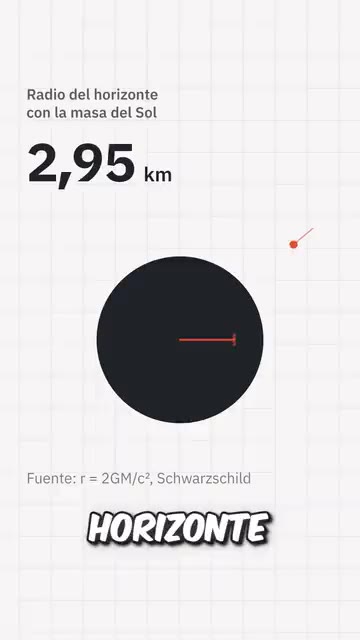
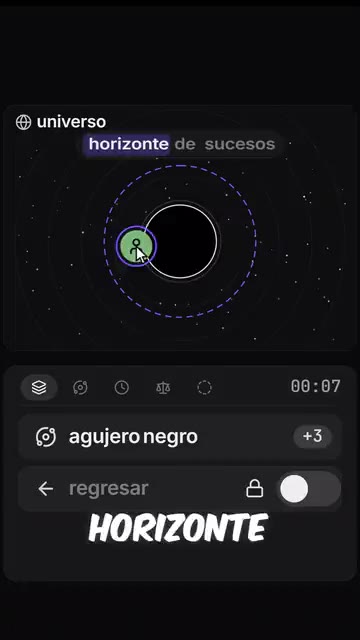
Animated titles, explanatory graphics, interface animations and 2D or 3D scenes. The examples on this page show several visual directions you can explore.
Can I include voices and dialogue?
Motions works with script, voice and animation, including dialogue with a different voice for each character.
Can I reuse the same visual style?
Yes. Save styles and use them again, then refine each new piece in the editor instead of starting its visual direction from scratch.