Turn long videos into short clips
Give a long conversation a shorter life on screen. Clips finds moments in your video, helps you compare them and brings the ones you choose into an editable project.
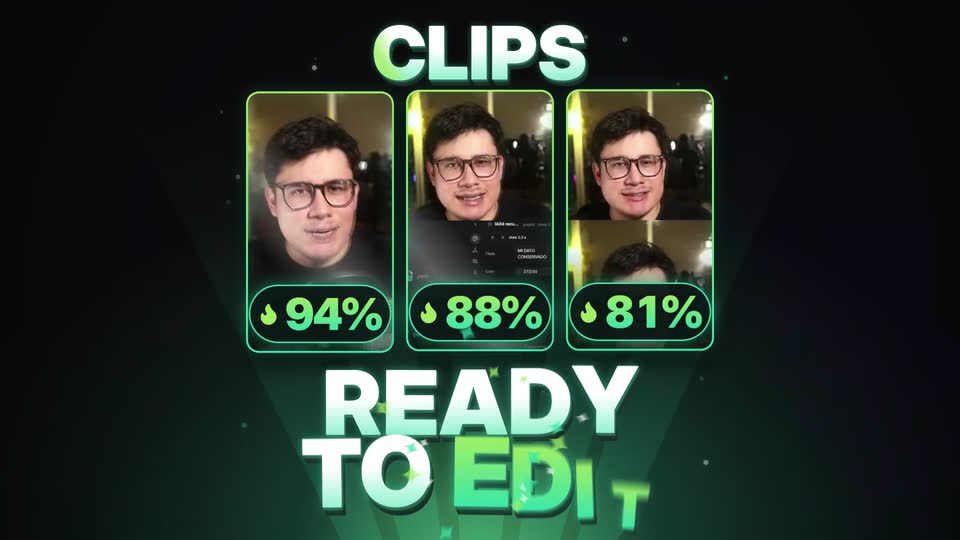
What you can do
- Paste a link or upload the file
- Every clip comes with its virality score
- Vertical, following whoever is speaking
- Open it in the editor with the style you pick
Made with SolvePeak
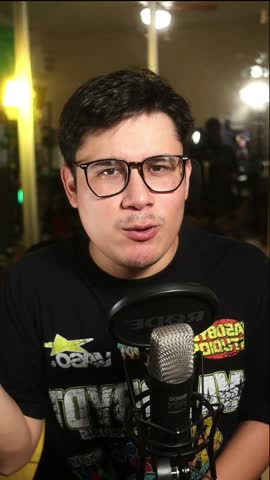
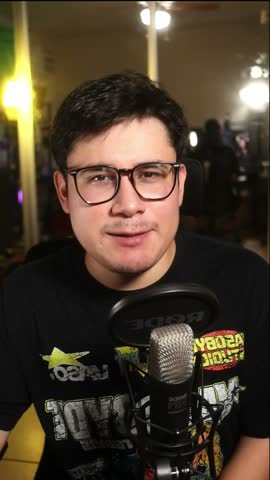
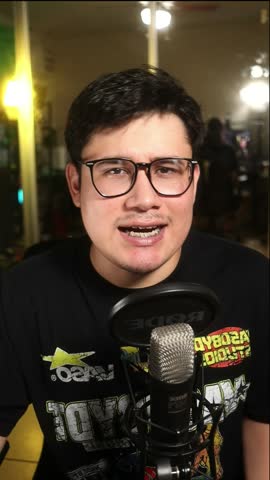
From idea to edit
Bring your video
Upload a file or paste a video link. Start from a podcast, an interview or a conversation you want to turn into shorter pieces.
Choose the moment
Review the suggested clips and their scores. Pick the moments that make sense on their own and fit the story you want to tell.
Make the edit yours
Reframe vertically around the speaker, choose a style and open the result in the editor to adjust the cut before exporting.
Questions
What can I turn into clips?
Clips starts from a video file or link. Conversations, interviews and podcasts are useful starting points when you want to pull several shorter moments from one recording.
Does a high score guarantee views?
No. The score helps compare suggested moments; it is not a forecast of views or a guarantee that a clip will go viral. Review the context and the final edit yourself.
Can I keep editing the clip?
Yes. Open the selected clip in the editor with your chosen style and refine it before exporting. The suggested cut is a starting point.